
Switching from Mobbin MCP to Gummble MCP: Setup Guide (2026)
Gummble MCP gives Claude, Cursor, and Codex real-app design references, adds a dedicated microcopy search tool, and is included on every paid plan from $9.99/month. This guide covers the setup command and what changes if you're moving over from Mobbin MCP. For the full pricing and free-tier breakdown, see Mobbin MCP: pricing, free tier & Gummble alternative.
Is Gummble a Mobbin MCP alternative?
Gummble MCP is an alternative for Claude, Cursor, Windsurf, Codex, and v0 users who want access to 300,000+ real app screens and 21,000+ UX flows, plus dedicated microcopy search. It is included on every paid Gummble plan from $9.99/month, billed monthly. Mobbin MCP needs Mobbin Pro or Team, billed quarterly or yearly.
- Your AI agent searches real screens, flows, and patterns instead of inventing generic UI.
- Adds microcopy search — real product wording for empty states, errors, onboarding, and paywalls.
- A clearly published $9.99/mo USD entry price; eligible first web payments have a 7-day refund window under the Terms.
What changes on pricing when you switch
Mobbin MCP requires a paid Mobbin plan — there is no free MCP tier. Gummble MCP is likewise included on paid Gummble plans only, from $9.99/month billed monthly with no annual commitment. Eligible first web payments have a 7-day refund window under the Terms.
Read the full Mobbin MCP pricing and free-tier breakdown →What the Gummble library actually looks like
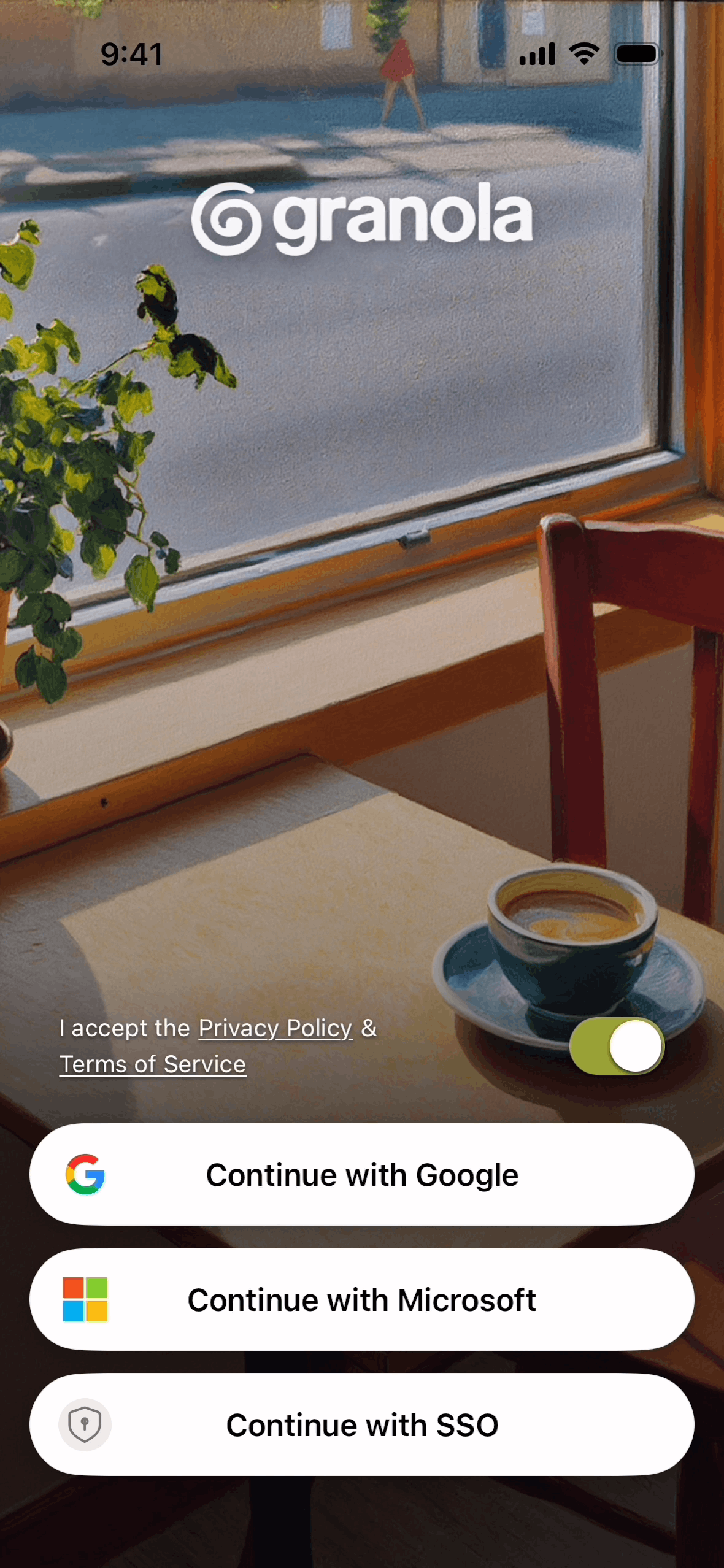
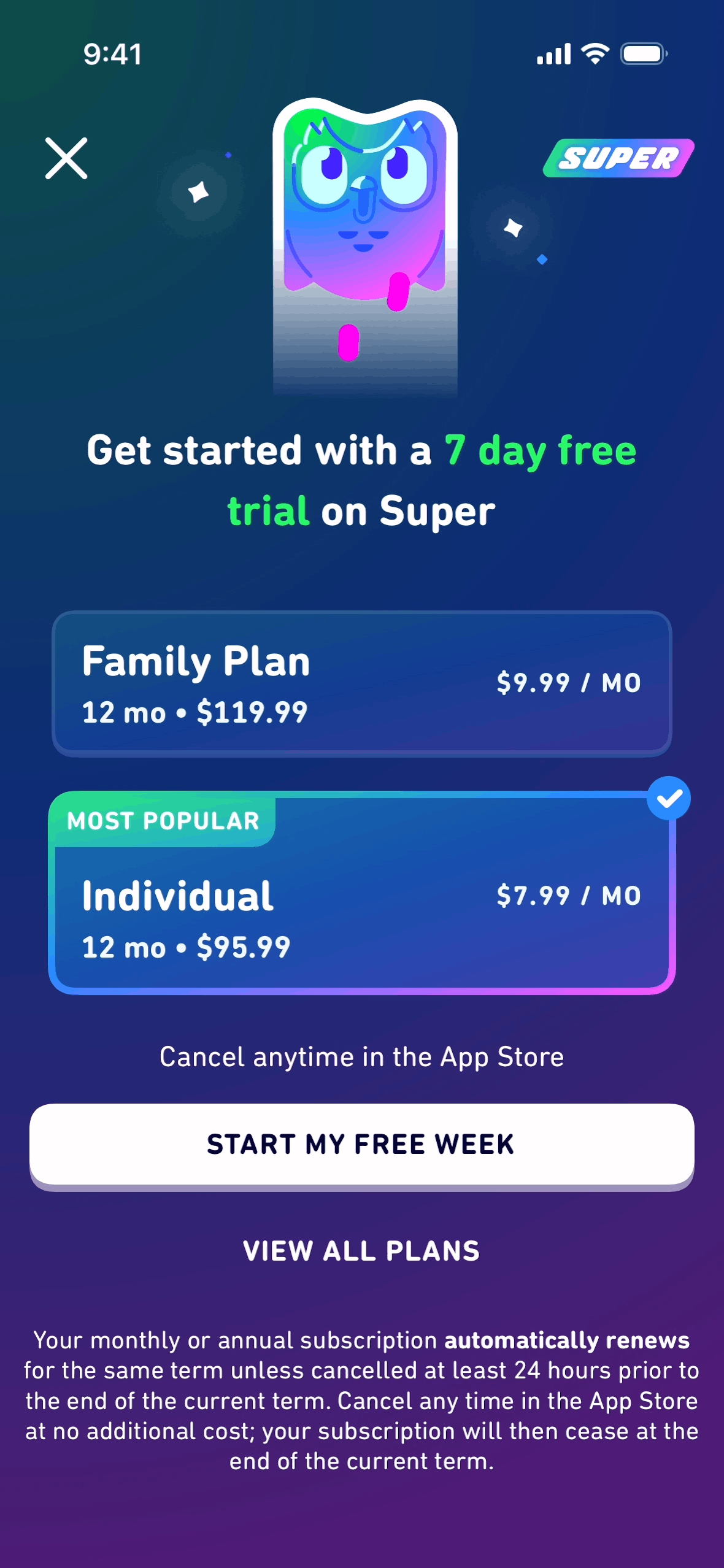
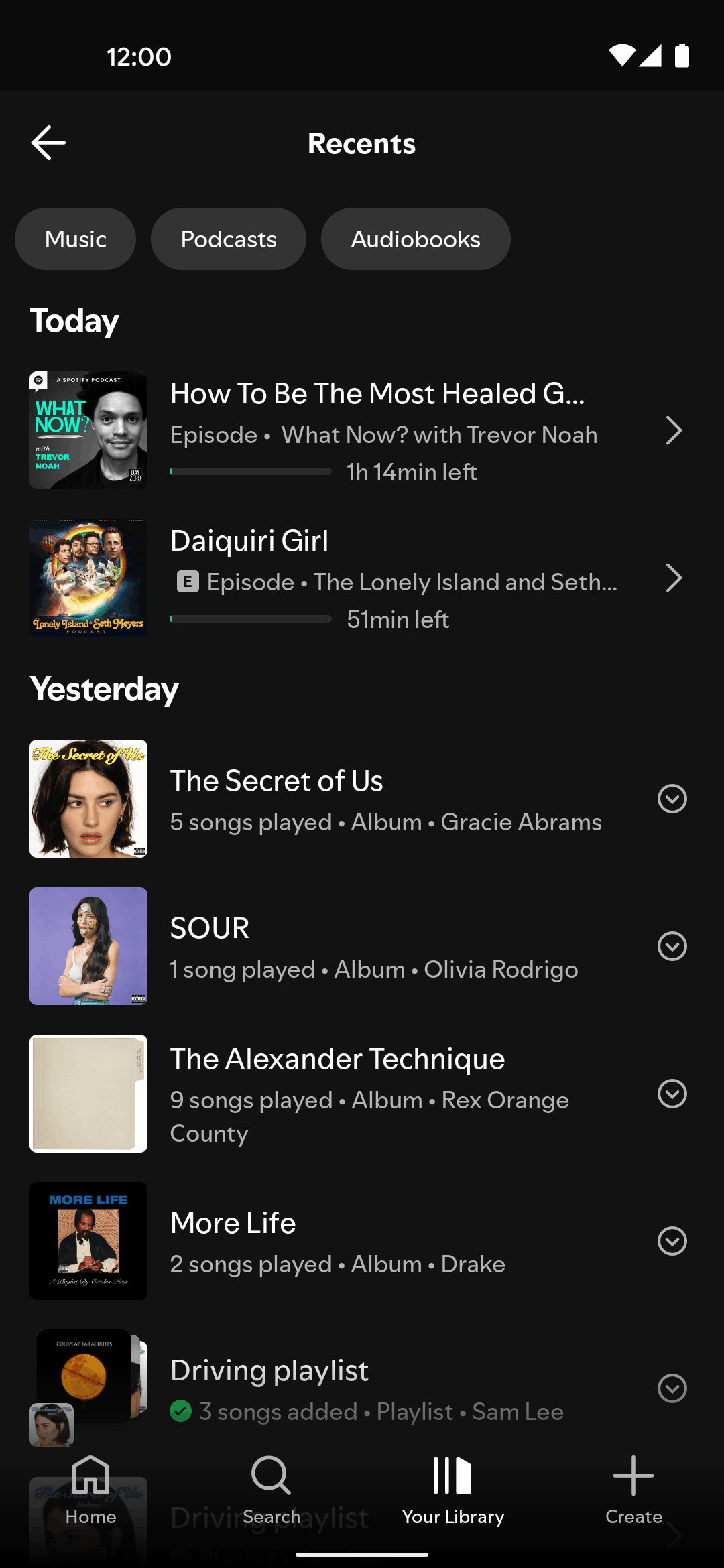
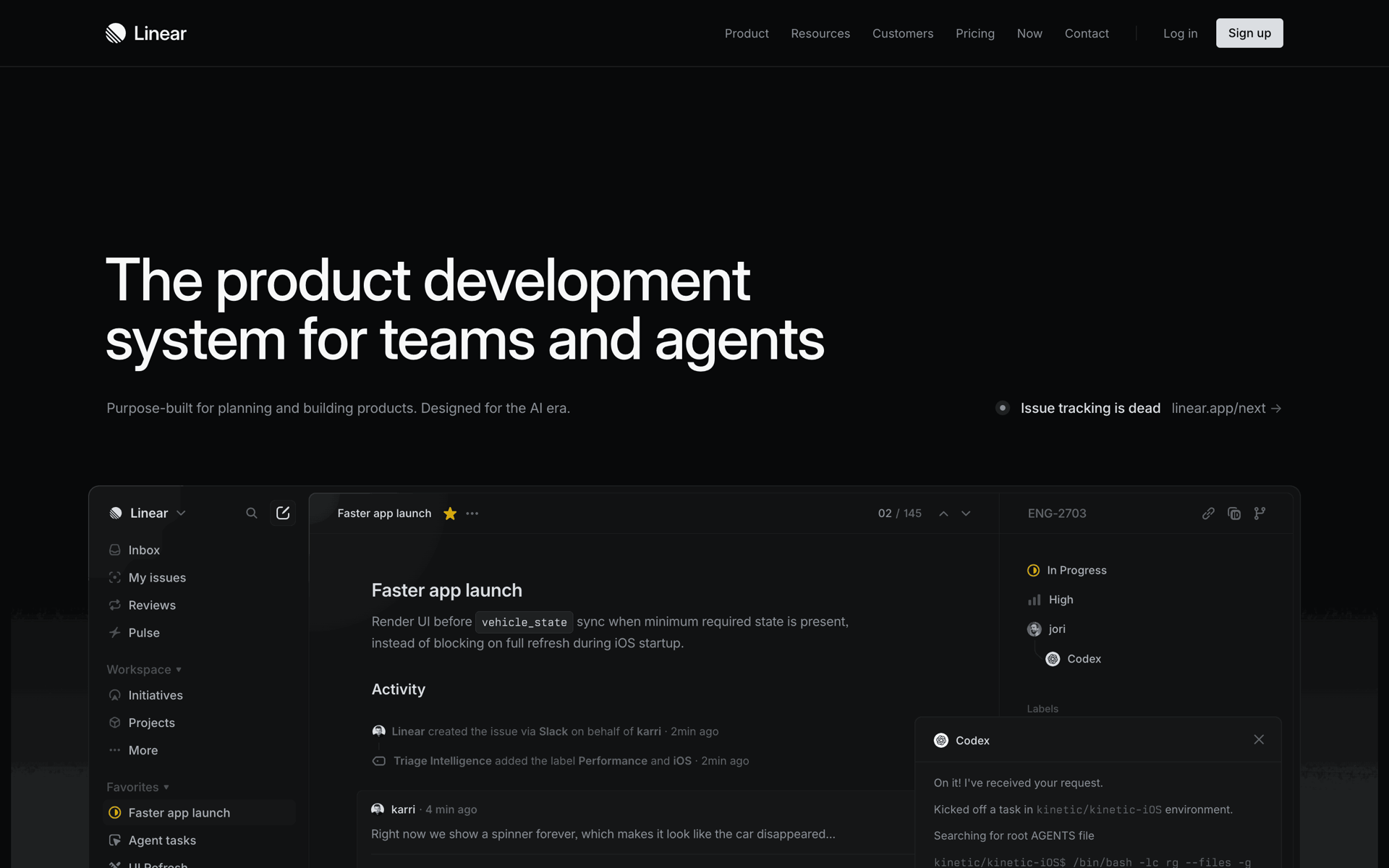
Four real screens from the live catalog, across iOS, Android, and web. Every screen links to its app page with the full flow.
Gummble MCP vs Mobbin MCP — side by side
| Feature | Gummble MCP | Mobbin MCP |
|---|---|---|
| Cheapest plan with MCP | Browse: $9.99/mo, billed monthly | Pro: $45 per 3 months or $120 per year (no monthly plan) |
| Free MCP tier | No | No — MCP is on Pro, Team and Enterprise |
| Screens (published) | 300,000+ | 600,000+ (Mobbin MCP page) |
| User flows (published) | 21,000+ | Included; no flow count published on the MCP page |
| Platforms | iOS + Android + Web | Mobile apps, web apps and websites |
| Tools | 14 read-only tools | 3 read-only tools: search_screens, search_flows, search_sections |
| Microcopy search | Yes — dedicated tool | No dedicated tool listed |
| Website-section search | Yes — gummble_search_sections | Yes — search_sections |
| App Store screenshot sets | Yes — search by keyword or fetch one app's live iPhone/iPad set | No tool listed |
| Supported clients | Claude, Cursor, Windsurf, Codex, v0 | Claude Code, Claude, Cursor, Codex, ChatGPT, Manus, Grok, Figma, v0 |
| Auth | OAuth — no API key | OAuth — no API key |
| Rate limit / usage | Fair-use rate limiting | 60 requests per 60 s per user; beta with unlimited usage, limits planned |
| Refunds | 7-day window for eligible first web payments under the Terms | Generally non-refundable, per Mobbin's pricing summary |
Gummble catalog figures are conservative public lower bounds supported by the evidence register. Mobbin figures are quoted from mobbin.com/pricing.md, mobbin.com/mcp.md and mobbin.com/mcp, checked Oct 18, 2026; check them again before you buy.
Set up Gummble MCP
One command, then authenticate in the browser — OAuth, no API key:
claude mcp add gummble --scope user --transport http https://mcp.gummble.com/mcpInstructions for Cursor, Windsurf, Codex, and v0 are on the Gummble MCP page.
Frequently asked questions
Do I need a paid Mobbin MCP plan before I can switch?
You don't need an active Mobbin MCP plan to try Gummble MCP — the two are independent subscriptions. Mobbin MCP requires a paid Mobbin plan with no free MCP tier; Gummble MCP is likewise included on paid Gummble plans only, starting at $9.99/month billed monthly. See the full pricing and free-tier breakdown linked above if you're still deciding.
Does switching from Mobbin MCP to Gummble MCP cost more or less?
Per month the prices are close; the commitment is not. Mobbin MCP needs Pro at $45 for 3 months or $120 for a year (checked Oct 18, 2026), and Mobbin has no monthly plan. Gummble MCP is included on every paid Gummble plan from $9.99/month, billed monthly.
Is Gummble a Mobbin MCP alternative?
Yes. Gummble MCP is a read-only OAuth server for Claude, Cursor, Windsurf, Codex, and v0, with dedicated microcopy search and a published $9.99/mo USD entry price. Mobbin MCP has three read-only tools (screens, flows and website sections) and a larger published library.
Does Gummble MCP work with Claude Code and Cursor?
Yes. Gummble MCP works with Claude (web, desktop, and Claude Code), Cursor, Windsurf, Codex, v0, and any client that supports remote MCP servers. Setup is one terminal command plus a browser sign-in.
What can an AI agent actually search through Gummble MCP?
Real app screens (300,000+), browsable UX flows (21,000+), pattern families like onboarding and checkout, and real product microcopy — the actual strings apps ship for empty states, validation errors, and paywalls.
Can these MCP servers modify my files?
No. Gummble MCP is a read-only reference server, and Mobbin documents its current MCP tool set as read-only too. Your AI client may have separate local tools with write access.
Can I run Gummble MCP and Mobbin MCP together?
Yes, if your client supports more than one remote MCP server. Both use OAuth in the browser, so each connection is authorized separately. Running both for a week on the same prompts is a fair way to compare results.
Keep comparing
Gummble MCP setup guide →
Install the server in Claude Code, Cursor, Codex, Windsurf, or v0.
MCP Servers for Designers →
A roundup for design research, Figma context, and component workflows.
Mobbin alternative (full product) →
Comparing the web libraries themselves, beyond MCP.
Mobbin MCP pricing & free tier →
The full cost breakdown, FAQ, and side-by-side tool table.
Review Gummble plans
Eligible first web payments have a 7-day refund window under the Terms. Manage your subscription through Polar's secure customer portal from account settings.